Download a ready-to-use spreadsheet template for tracking covered calls and cash-secured puts — and when the spreadsheet stops scaling, import it directly instead of starting over.
A spreadsheet is where most options sellers start: a row per trade, ticker, strike, expiry, premium collected. It works fine at ten trades a month. It gets painful at fifty, across a dozen tickers, with rolls and assignments to reconcile by hand. Days to Expiry gives you a free options tracker spreadsheet template with the columns you actually need for covered calls and cash-secured puts. Use it as long as it works for you. When you're ready for broker sync and per-ticker breakdowns, the same file imports directly — no re-typing every trade.
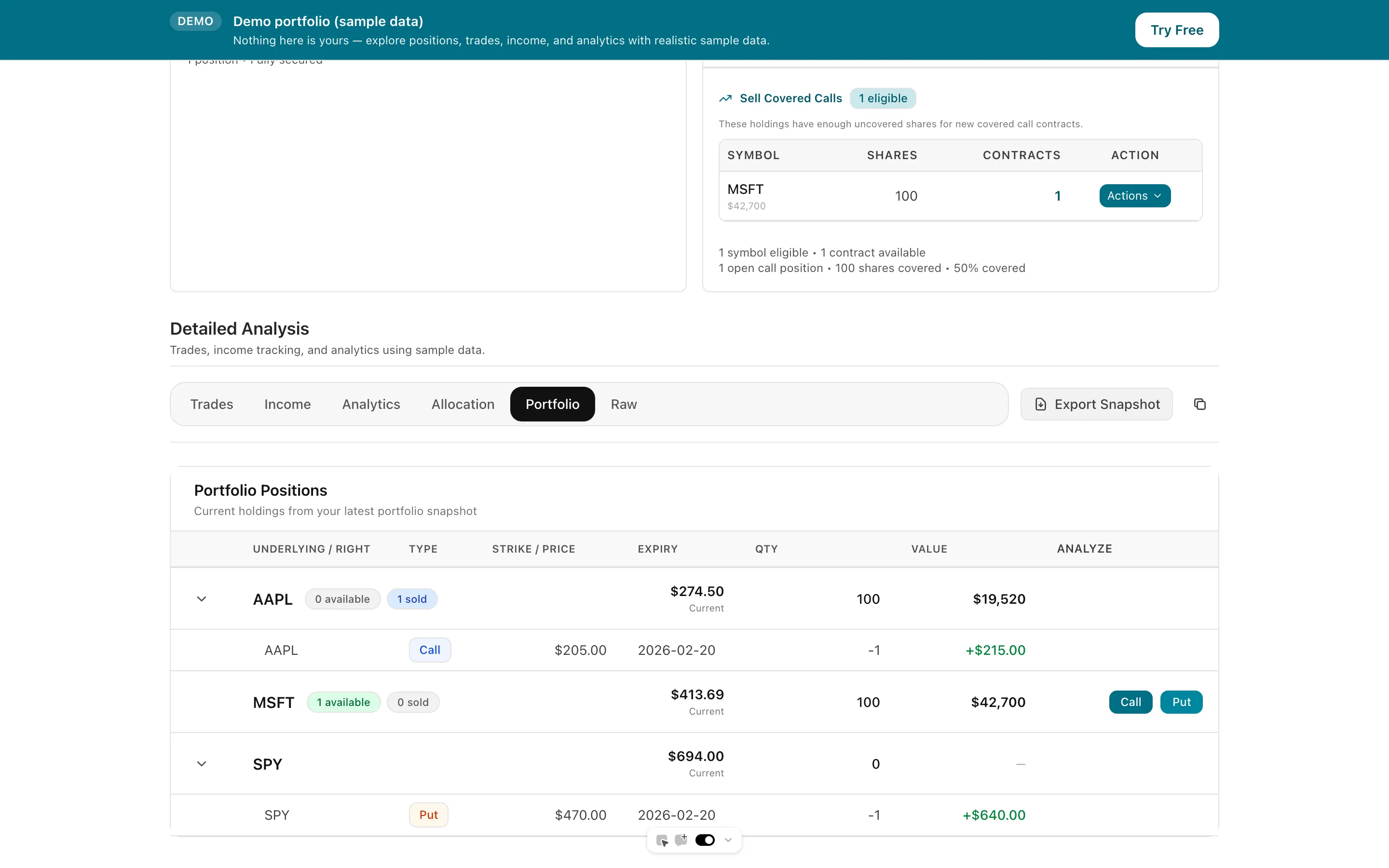
Tap to view full size
Manual Entry — Every trade means opening the file and typing in ticker, strike, expiry, and premium by hand
Formula Drift — Cost basis and ROI formulas break or drift out of sync as rows get added or edited
No Live Sync — Your spreadsheet is only as current as your last update; it never reflects assignments automatically
Starting Over Feels Wasteful — Trade history built up over months feels locked in the spreadsheet with no easy way out
A ready-made spreadsheet with the exact columns needed to track covered calls and cash-secured puts.
Bring your existing trade history in as-is — the importer auto-detects ticker, strike, expiry, and premium columns.
Once imported, connect IBKR via Flex Query (daily auto-refresh) or another broker via SnapTrade so new trades, assignments, and rolls come in from your broker instead of by hand.
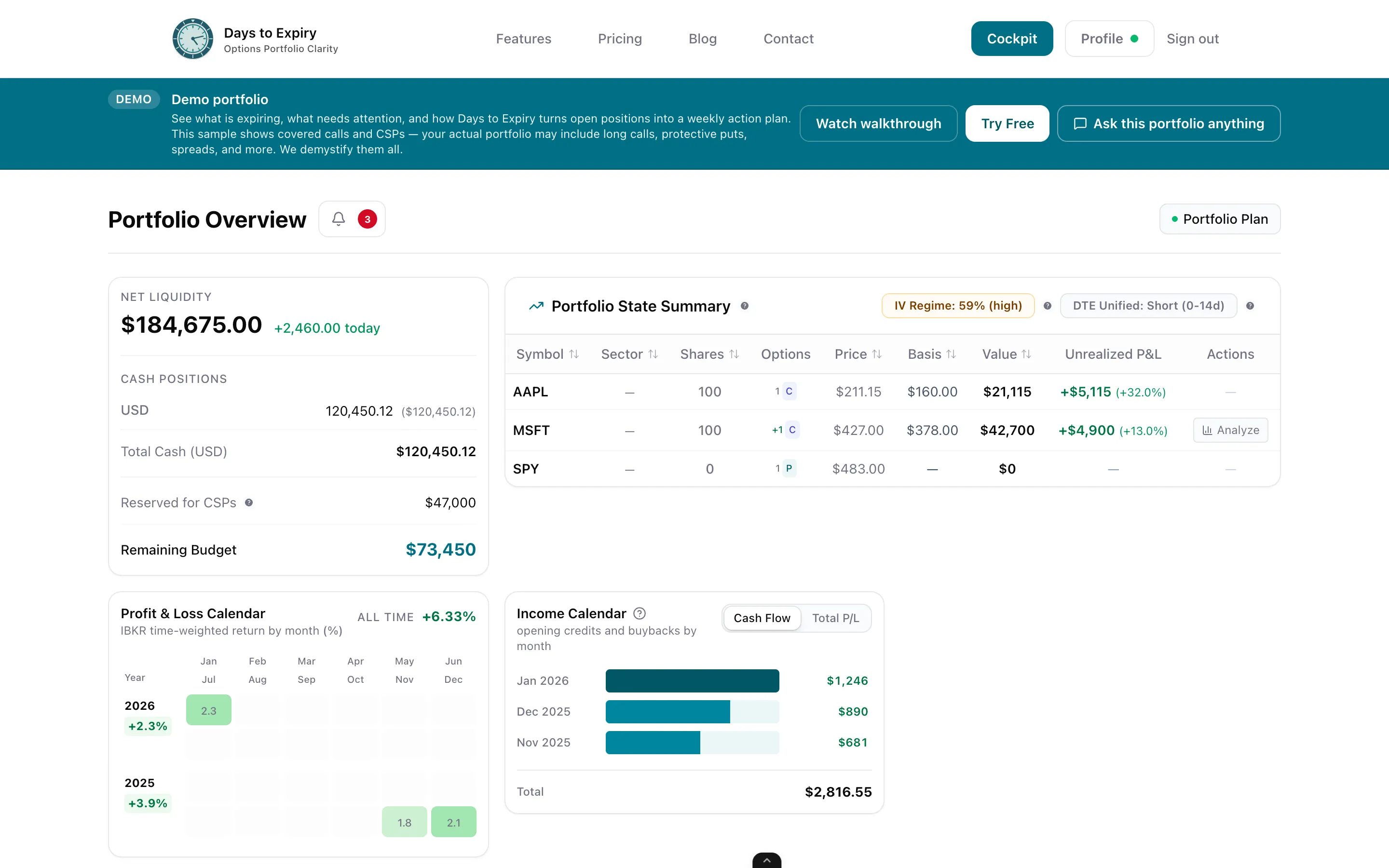
Per-ticker income breakdowns, DTE and OTM performance buckets, and — with IBKR Flex sync — wheel cost basis that carries through assignment.
Tap to view full size
Get the free CSV template with columns for ticker, expiry, strike, right, action, quantity, date, net premium, currency, and commission.
Log covered calls and cash-secured puts row by row for as long as a spreadsheet fits your trading volume.
When manual tracking stops scaling, import the same file into Days to Expiry — the column headers are already recognised by the importer, so there's no re-typing your trade history.
Template Cost
Free
Import Path
Same file, direct
Template Columns
10
Manual Re-Entry
Zero
See premium income by week, month, and ticker after you import
Roll-adjusted cost basis across the full wheel cycle
Connect your IBKR account for automatic sync after import
Free to start — no credit card required
Everything you need to know about getting started